Use the Dashboard
Use Dashboard to see how much you are using the app and what it is costing (for paid models).
Filter the data
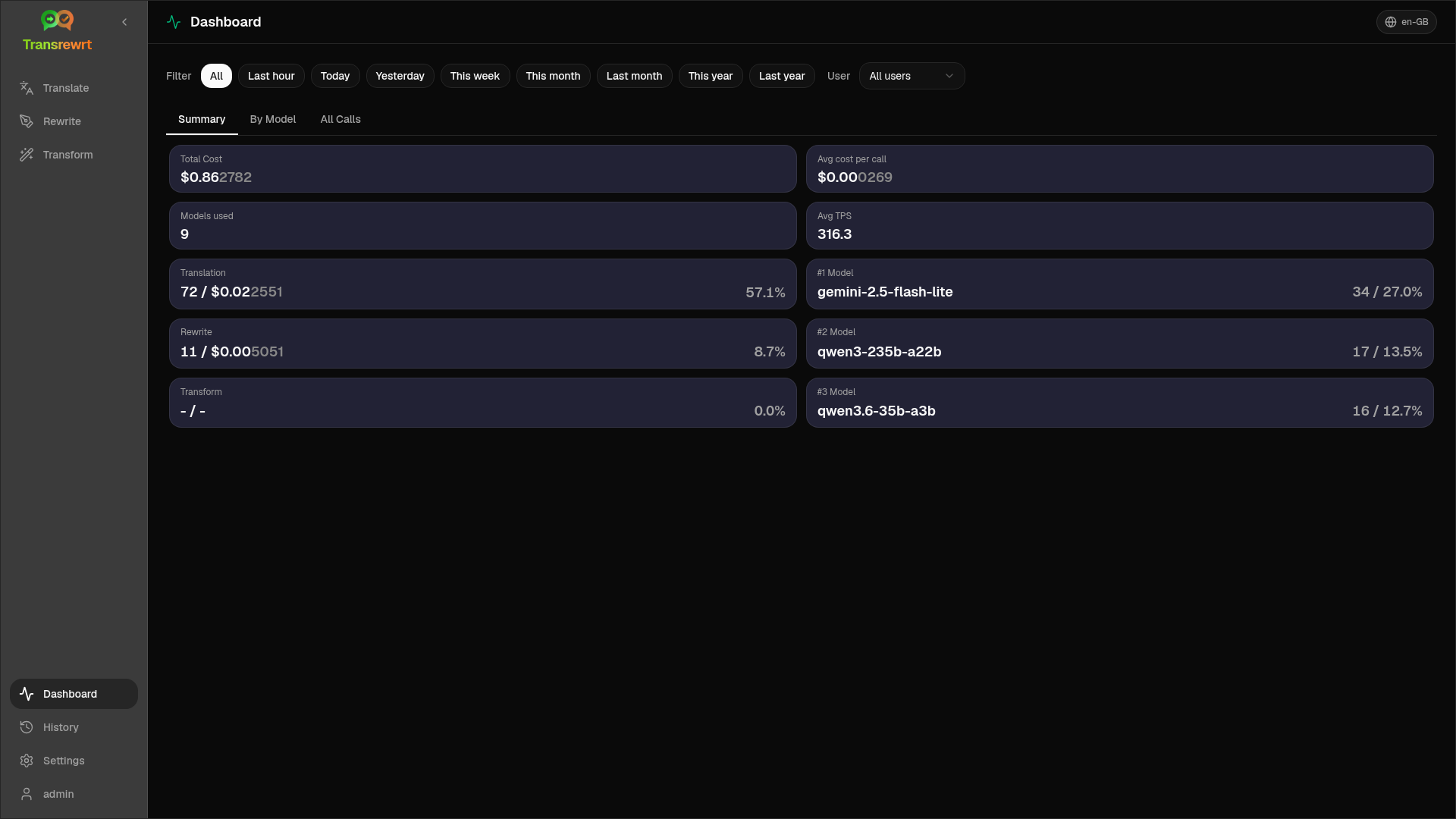
Section titled “Filter the data”Use the filter buttons at the top to change the time range.
The User filter is visible only to administrators in the web version; it is not available on desktop.
- Summary — KPIs: total cost, models used, per-mode call counts and cost, average cost per call, average TPS, top models by call count
- By Model — per-model calls, cost, and TPS; expand a row for a mode breakdown
- All Calls — full call log (paginated or cards) with export
Export data
Section titled “Export data”Export tables as JSON, CSV, or XLSX.
Delete stored records for a model
Section titled “Delete stored records for a model”In By Model or All Calls, use the trash-bin icon to remove records for a model.