Overview
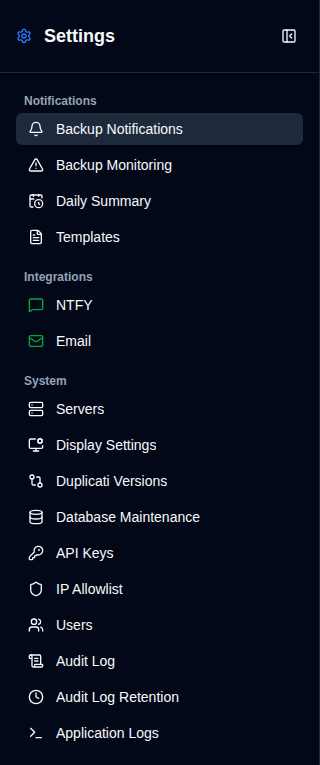
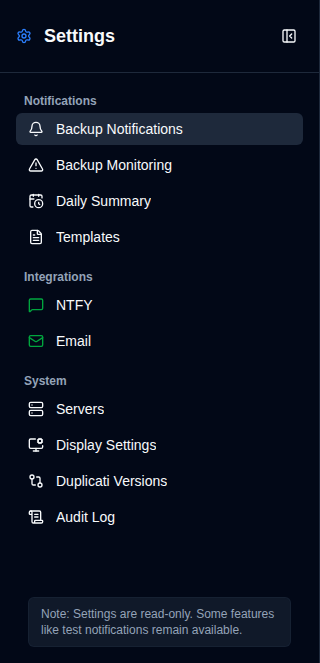
The Settings page offers a unified interface for configuring all aspects of duplistatus. You can access it by clicking the Settings button in the Application Toolbar. Note that regular users will see a simplified menu with fewer options compared to administrators.
Administrator View
Administrators see all available settings.
|
|
Non-Administrator View
Regular users see a limited set of settings. Server names and backup data in those pages follow the server grant from Users.
|
|
Status Icons
The sidebar displays status icons next to the NTFY and Email integration settings:
- Green icon: Your settings are valid and configured correctly
- Yellow icon: Your settings are not valid or not configured
When the configuration is invalid, the corresponding checkboxes in the Backup Notifications tab will be greyed out and disabled. For more details, see the NTFY Settings and Email Settings pages.
A green icon does not necessarily mean that notifications are functioning correctly. Always use the available test features to confirm your notifications are working before relying on them.