Duplicati Configuration
The button on the Application Toolbar opens the Duplicati server's web interface in a new tab.
You can select a server from the dropdown list. If you have already selected a server (by clicking its card) or are viewing its details, the button will open that specific server's Duplicati configuration directly.
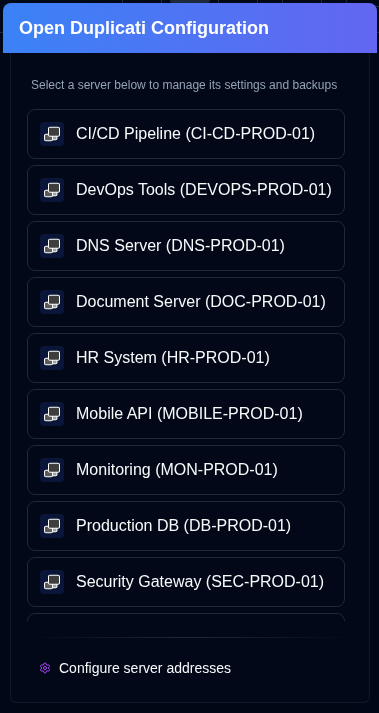
- The list of servers will show the
server nameorserver alias (server name). - Server addresses are configured in Settings → Server.
- The application automatically saves a server's URL when you use the Collect Backup Logs feature.
- Servers will not appear in the server list if their address has not been configured.
Accessing the Old Duplicati UI
If you experience login issues with the new Duplicati web interface (/ngclient/), you can right-click the button on or any server item in the server selection popover to open the old Duplicati UI (/ngax/) in a new tab.
note
All product names, logos and trademarks are the property of their respective owners. Icons and names are used for identification purposes only and do not imply endorsement.