Welcome to duplistatus
duplistatus - Monitor Multiple Duplicati's Servers from a Single Dashboard
Features
- Quick Setup: Simple containerised deployment, with images available on Docker Hub and GitHub.
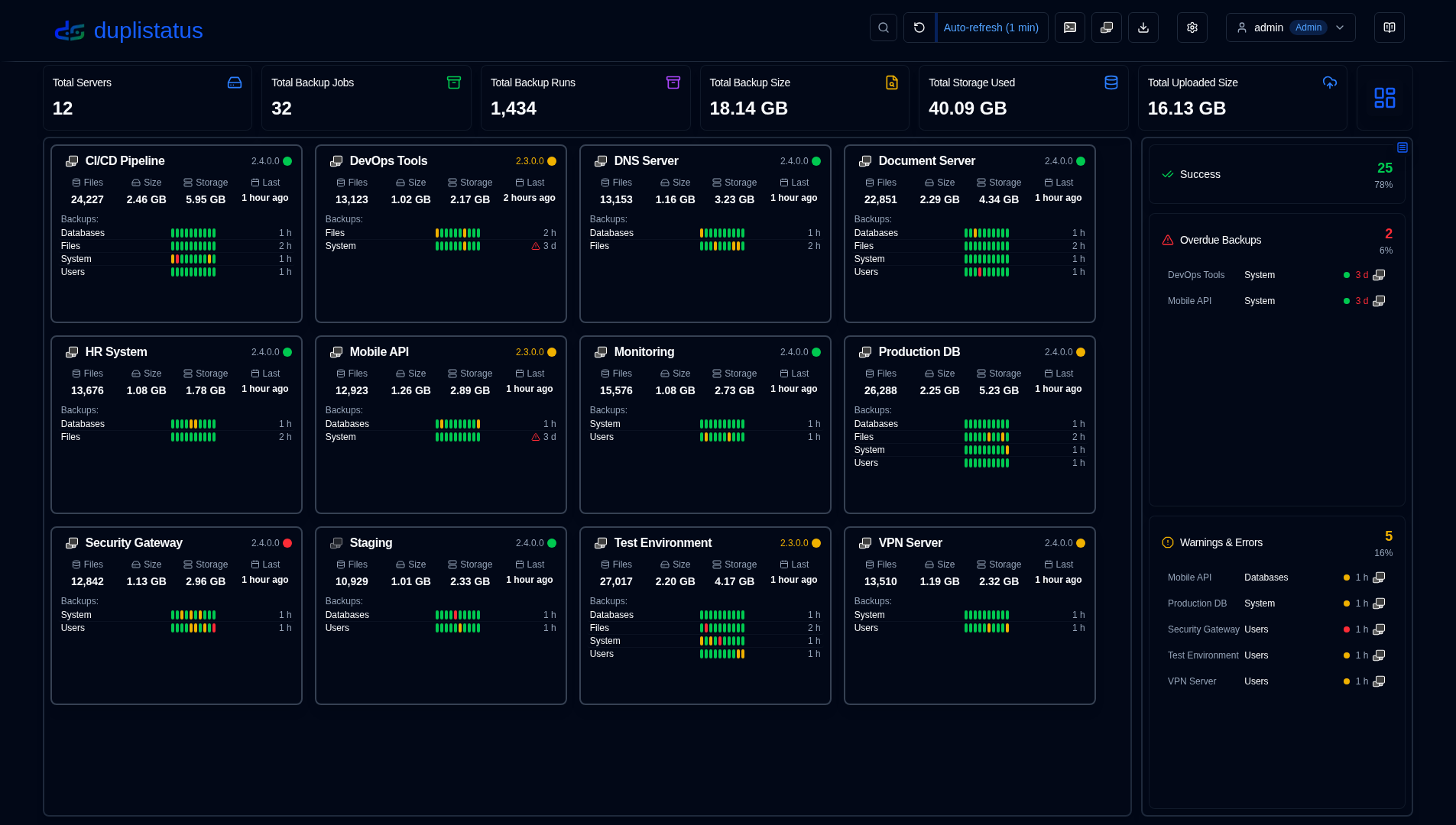
- Unified Dashboard: View backup status, history, Duplicati version, and details for all servers in one place.
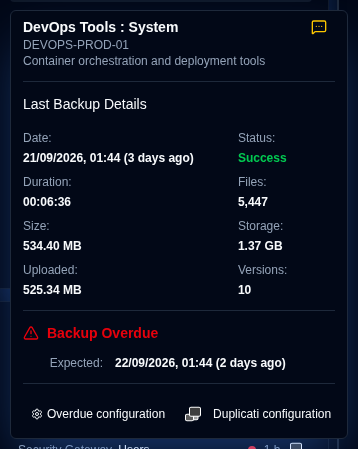
- Backup Monitoring: Automated checking and alerting for overdue scheduled backups.
- Data Visualisation & Logs: Interactive charts and automatic log collection from Duplicati servers.
- Notifications & Alerts: Integrated NTFY and SMTP email support for backup alerts, including overdue backup notifications.
- User Management: Login with Admin and User roles, configurable password policies, account lockout, and user administration.
- Security Configuration: Optional extra protection, API keys for Duplicati uploads and Homepage widgets (with upload size and rate limits), independent IP allowlists for the admin interface and the external APIs, anti-spoofing protection, and HTTPS reverse-proxy guidance.
- Audit Logging: Complete audit trail of all system changes and user actions with advanced filtering, export capabilities, and configurable retention periods.
- Application Logs Viewer: Admin-only interface to view, search, and export application logs directly from the web interface with real-time monitoring capabilities.
- Multi-language Support: Interface and documentation available in English, French, German, Spanish, Brazilian Portuguese, Hindi and Simplified Chinese.
Installation
The application can be deployed using Docker, Portainer Stacks, or Podman. See details in the Installation Guide.
-
If you are upgrading from an earlier version, your database will be automatically migrated to the new schema during the upgrade process.
-
When using Podman (either as a standalone container or within a pod), and if you require custom DNS settings (such as for Tailscale MagicDNS, corporate networks, or other custom DNS configurations), you can manually specify DNS servers and search domains. See the installation guide for further details.
Duplicati Servers Configuration (Required)
Once your duplistatus server is up and running, you need to configure your Duplicati servers to send backup logs to duplistatus, as outlined in the Duplicati Configuration section of the Installation Guide. Without this configuration, the dashboard will not receive backup data from your Duplicati servers.
User Guide
See the User Guide for detailed instructions on how to configure and use duplistatus, including initial setup, feature configuration, and troubleshooting.
Screenshots
Dashboard
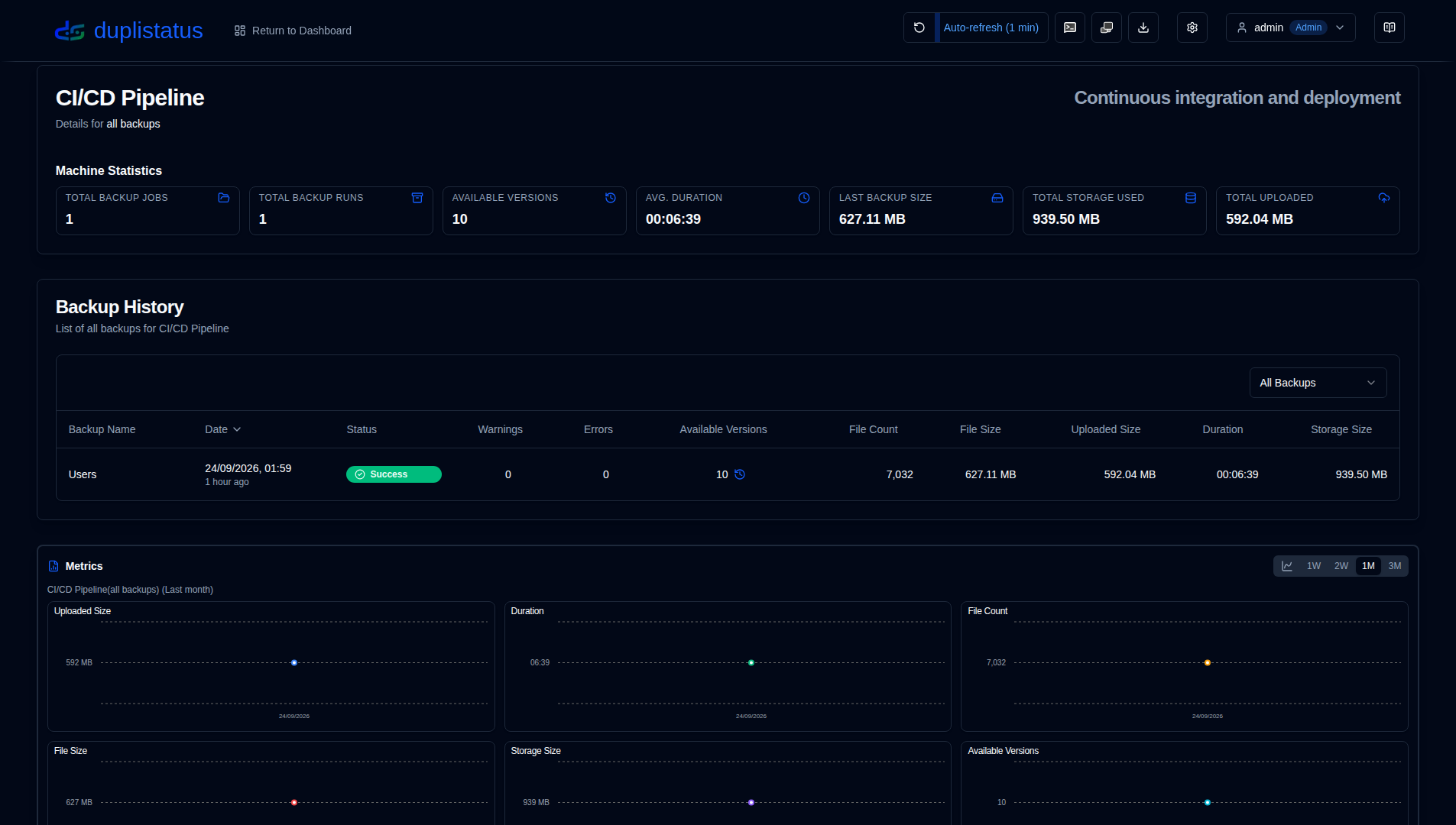
Backup History
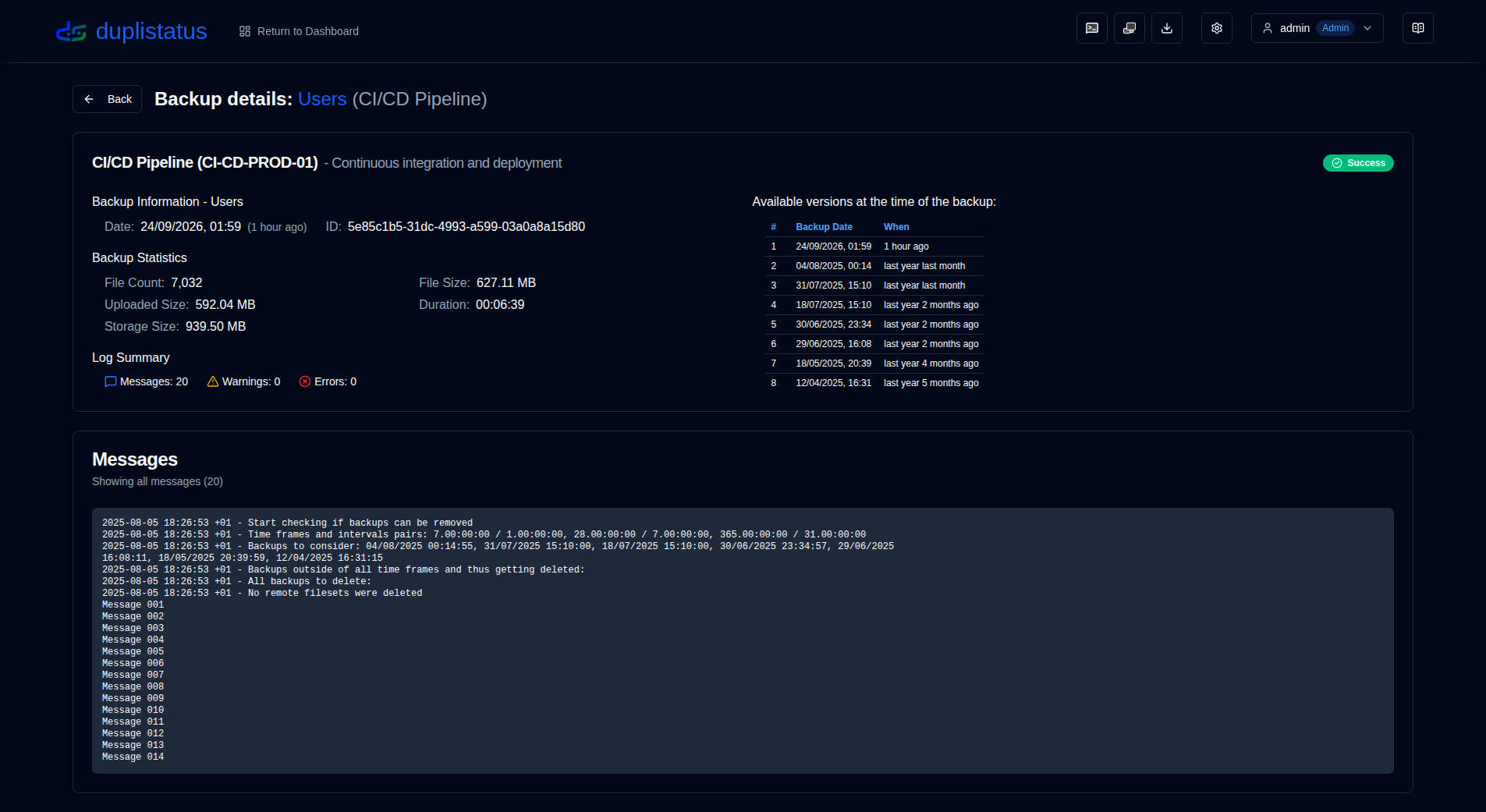
Backup Details
Overdue Backups
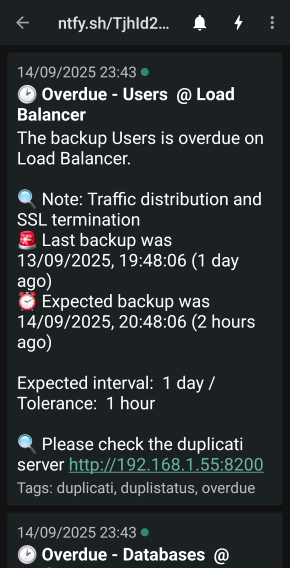
Overdue notifications on your phone
API Reference
See the API Endpoints Documentation for details about available endpoints, request/response formats, and examples.
Development
For instructions on downloading, changing, or running the code, see Development Setup.
This project was mainly built with AI help. To learn how, see How I Build this Application using AI tools.
Credits
-
First and foremost, thanks to Kenneth Skovhede for creating Duplicati—this amazing backup tool. Thanks also to all the contributors.
💙 If you find Duplicati useful, please consider supporting the developer. More details are available on their website or GitHub page.
-
API Keys and IP Allowlists idea/implementation by
henmohrin issue #79 -
Duplicati SVG icon from https://dashboardicons.com/icons/duplicati
-
ntfy SVG icon from https://dashboardicons.com/icons/ntfy
-
GitHub SVG icon from https://github.com/logos
All product names, logos and trademarks are the property of their respective owners. Icons and names are used for identification purposes only and do not imply endorsement.
License
The project is licensed under the Apache License 2.0.
Copyright © 2026 Waldemar Scudeller Jr.
Note on UI and documentation translations: All interface and documentation languages except English (UK) were translated with AI using ai-i18n-tools; the wording may be imprecise or contain errors.